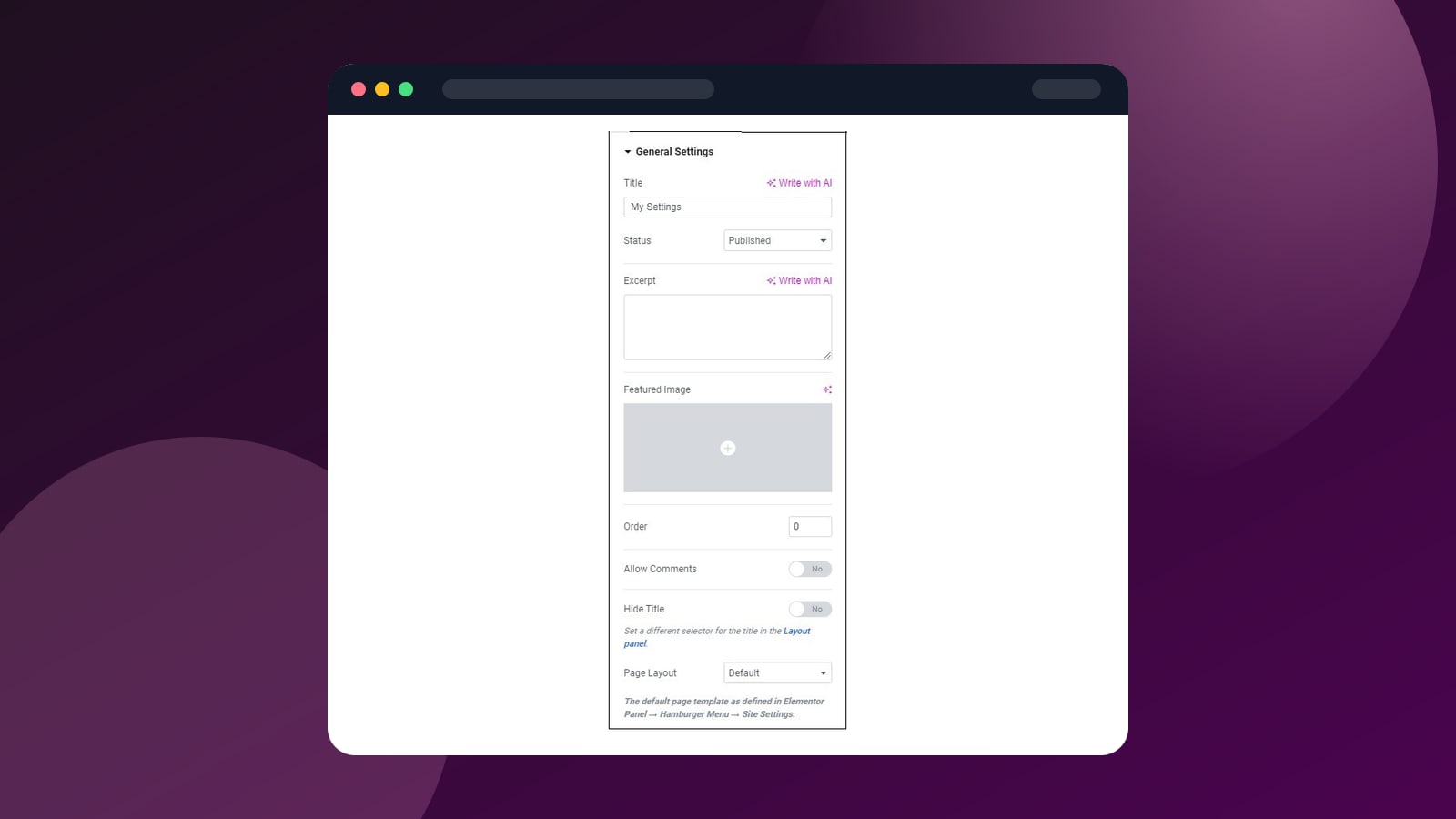
Elementor Pro Review: Everything You Need to Know Before Buying
An in-depth review of Elementor Pro covering features, pricing, performance, pros and cons. Is it worth the upgrade from the free version?
Elementor is the undisputed king of WordPress page builders. With over 16 million active installations, it is by far the most popular visual editor for WordPress. But is Elementor Pro worth the upgrade from the free version?
After using Elementor Pro extensively to build client sites, landing pages, and complete WordPress themes, here is our honest take.
What Is Elementor Pro?
Elementor Pro is the premium version of the Elementor page builder plugin. While the free version gives you a solid drag-and-drop editor with 40+ widgets, Pro unlocks the full power of the platform with 100+ widgets, a theme builder, popup builder, WooCommerce integration, and much more.
Key Features
Visual Drag-and-Drop Editor
The editor is Elementor's crown jewel. Everything happens in real-time — you click an element, drag it to your page, and customize it visually. No page refreshes, no switching between preview and edit mode. It feels less like a WordPress plugin and more like a professional design tool.
Theme Builder
This is the feature that makes Elementor Pro a must-have for serious WordPress users. The Theme Builder lets you design every part of your site visually:
- Headers & Footers — create custom headers with sticky navigation, mega menus, and dynamic content
- Single Post Templates — design how your blog posts look
- Archive Templates — customize category, tag, and author pages
- Search Results — design your search results page
- 404 Page — create a custom 404 page
Popup Builder
Elementor Pro includes a full popup builder that rivals standalone popup plugins. You can create:
- Email opt-in popups
- Slide-ins and notification bars
- Full-screen overlays
- Login forms
- Cart cross-sell popups (WooCommerce)
Each popup can be triggered by scroll position, time on page, exit intent, or click. You get full targeting options too — show different popups on different pages, to logged-in vs. logged-out users, etc.
WooCommerce Builder
For online stores, Elementor Pro lets you visually design your product pages, shop archive, cart, checkout, and my account pages. This is a game-changer if you have ever struggled with WooCommerce's default templates.
Form Builder
The built-in form widget connects to major email marketing services (Mailchimp, ConvertKit, ActiveCampaign, etc.) and supports multi-step forms, conditional logic, and custom styling.
Pros
- Industry-leading visual editor — truly WYSIWYG
- Full theme builder for complete site design control
- 100+ professional widgets included
- 300+ templates to get started quickly
- Built-in popup builder with advanced triggers
- WooCommerce integration for custom store design
- Responsive editing with mobile/tablet breakpoints
- Massive ecosystem of third-party addons
- Regular updates with new features
- Generous free version to try before buying
Cons
- Can add significant page weight if overused
- Vendor lock-in — content depends on shortcodes
- Occasional conflicts with other plugins
- Pro pricing increased in recent years
- Global widgets limited in free version pushes upgrades
Pricing
Elementor Pro offers several tiers:
| Plan | Sites | Price |
|---|---|---|
| Essential | 1 | $59/year |
| Advanced | 3 | $99/year |
| Expert | 25 | $199/year |
| Agency | 1000 | $399/year |
All plans include the same features. The only difference is the number of sites you can activate the license on.
Performance Considerations
Elementor has improved significantly on performance in recent versions. Tips for keeping your Elementor site fast:
- Use the built-in performance settings — enable improved asset loading, lazy loading, and optimized DOM output
- Avoid excessive nesting — keep your section/column structure simple
- Use a caching plugin — WP Rocket or LiteSpeed Cache work great with Elementor
- Optimize images — use WebP format and proper sizing
Who Should Buy Elementor Pro?
Elementor Pro is an excellent investment if you:
- Want full visual control over your entire WordPress site
- Need to build landing pages or sales pages regularly
- Run a WooCommerce store and want custom product pages
- Want an all-in-one solution (forms, popups, templates, theme builder)
- Are comfortable with a slight performance trade-off for design flexibility
Verdict
Elementor Pro remains the most feature-rich and versatile WordPress page builder on the market. The combination of the visual editor, theme builder, popup builder, and WooCommerce integration makes it a genuine all-in-one solution. At $59/year for a single site, it is excellent value.
Our rating: 4.5/5
Related Articles
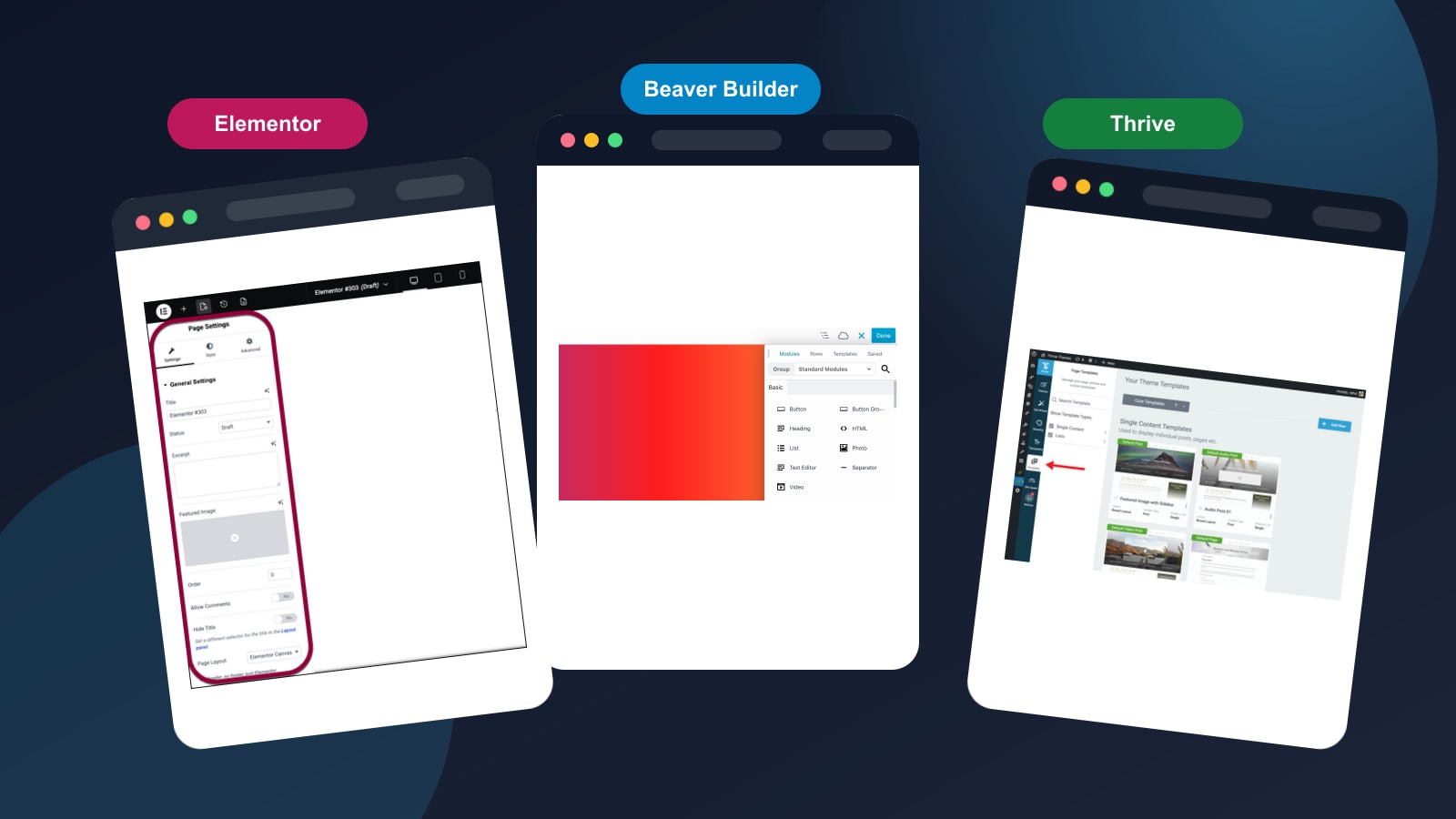
A head-to-head comparison of the three most popular WordPress page builders. We compare features, pricing, ease of use, and performance to help you pick the right one.