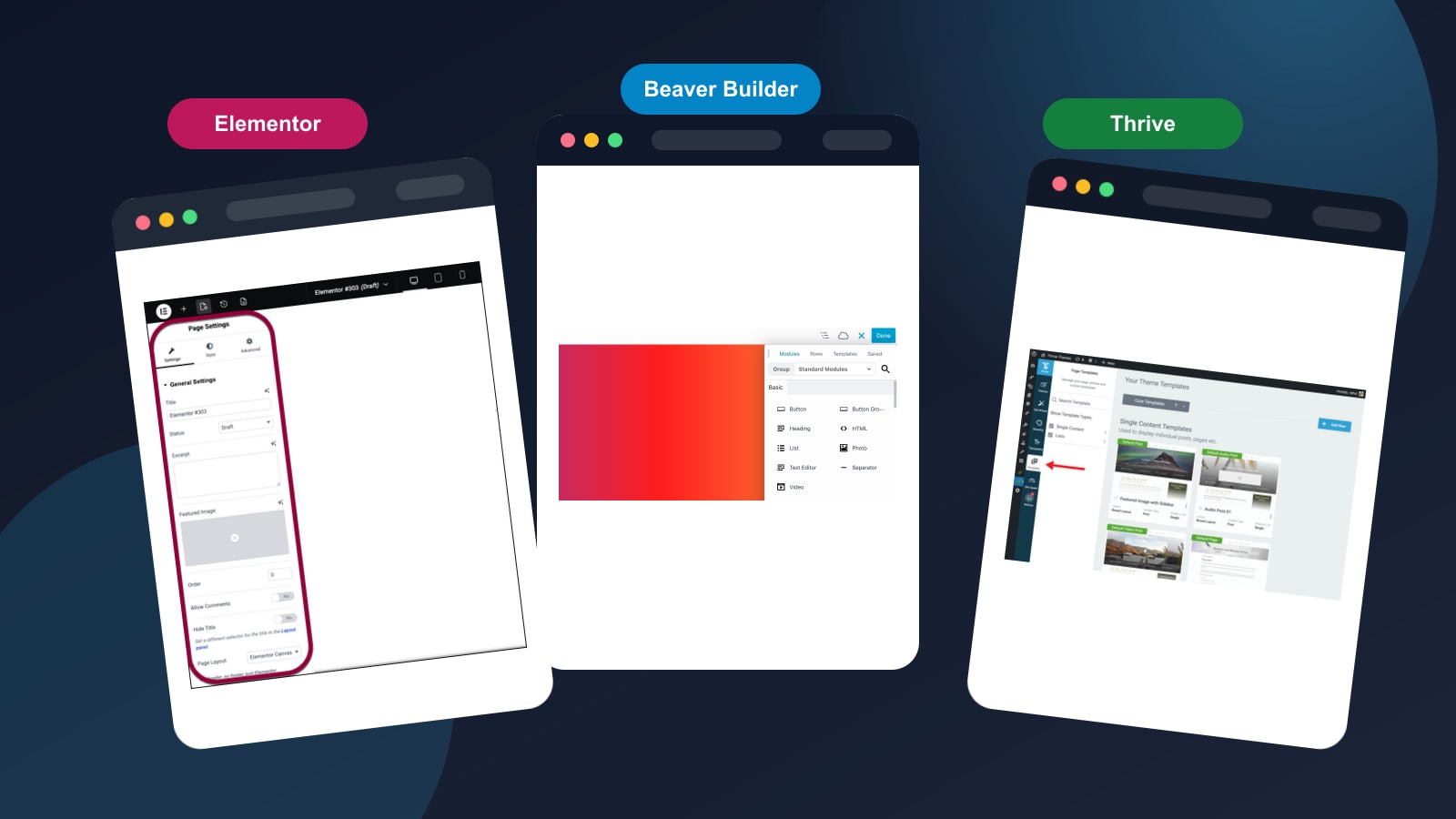
Elementor vs Beaver Builder vs Thrive Architect: Which Page Builder Is Right for You? (2026)
A head-to-head comparison of the three most popular WordPress page builders. We compare features, pricing, ease of use, and performance to help you pick the right one.
Choosing the right WordPress page builder can make or break your website. With dozens of options available, three consistently rise to the top: Elementor, Beaver Builder, and Thrive Architect.
In this comprehensive comparison, we put all three head-to-head across the features that matter most: ease of use, design flexibility, performance, pricing, and support.
Quick Verdict
For most WordPress users — freelancers, agencies, and small businesses — Beaver Builder is our top pick. It delivers clean, fast code, rock-solid stability, and the best long-term value. If you need maximum design flexibility, Elementor Pro is the runner-up. If conversions are everything, Thrive Architect wins that specific race.
| Feature | Elementor Pro | ★ Top PickBeaver Builder | Thrive Architect |
|---|---|---|---|
| Drag & Drop Editor | |||
| Free Version Available | Limited | ||
| Template Library | 300+ | 150+ | 350+ |
| WooCommerce Builder | |||
| Theme Builder | |||
| Popup Builder | |||
| A/B Testing | |||
| Built-in Lead Generation | Basic | ||
| Page Load Speed | Good | Excellent | Very Good |
| Starting Price (Annual) | $59/yr | $69/yr | $99/yr |
Elementor Pro: The Design Powerhouse
Elementor is the most popular WordPress page builder, powering over 16 million websites worldwide. Its visual editor is incredibly intuitive — you can see every change in real-time as you drag and drop elements into place.
What Makes Elementor Stand Out
The template library is massive. With over 300 professionally designed templates and 100+ widgets, you can build virtually any type of page without writing a single line of code. The Theme Builder feature lets you design your entire site — headers, footers, archive pages, and single post templates — all from the visual editor.
Pros
- Most intuitive drag-and-drop interface
- Largest template and widget library
- Full theme builder included in Pro
- WooCommerce integration for online stores
- Massive community and third-party addon ecosystem
- Free version is genuinely useful
Cons
- Can slow down page load if overused
- Free-to-Pro upsells can feel aggressive
- Learning curve for advanced features
- Generates more DOM elements than competitors
Beaver Builder: The Developer's Favorite
Beaver Builder takes a different approach. It prioritizes clean, lightweight code and rock-solid stability over flashy features. This makes it the go-to choice for agencies and developers who build sites for clients.
What Makes Beaver Builder Stand Out
The code output is noticeably cleaner than Elementor. Pages built with Beaver Builder tend to load faster out of the box, and the builder integrates seamlessly with any well-coded WordPress theme. If you deactivate the plugin, your content remains intact — a major selling point for agencies worried about vendor lock-in.
Pros
- Cleanest code output of the three
- Best performance out of the box
- Content preserved if plugin deactivated
- White-label option for agencies
- Excellent customer support
- Stable and predictable updates
Cons
- Smaller template library
- Fewer widgets than Elementor
- No built-in popup builder
- Design options feel more limited
- Higher starting price than Elementor
Thrive Architect: The Conversion Machine
Thrive Architect is laser-focused on one thing: helping you convert visitors into leads and customers. If your WordPress site is a business tool, not just a brochure, Thrive Architect deserves serious consideration.
What Makes Thrive Architect Stand Out
Unlike the other two builders, Thrive Architect is built from the ground up for marketing. Every template, every element, and every feature is designed to drive conversions. It includes built-in lead generation forms, countdown timers, testimonial blocks, and — most importantly — native A/B testing through Thrive Optimize.
Pros
- Built specifically for conversion optimization
- Native A/B testing (Thrive Optimize)
- Lead generation forms built-in
- Smart color technology for consistent branding
- Part of the broader Thrive Suite ecosystem
- Conversion-focused templates
Cons
- No free version available
- Higher learning curve for non-marketers
- No WooCommerce builder
- No full theme builder (separate Thrive Theme Builder needed)
- Requires Thrive Suite for full feature set
Performance Comparison
Performance matters for both user experience and SEO. We tested a simple landing page built with each builder on the same hosting environment:
| Metric | Elementor Pro | Beaver Builder | Thrive Architect |
|---|---|---|---|
| Page Size | 1.2 MB | 0.8 MB | 0.9 MB |
| HTTP Requests | 42 | 28 | 31 |
| Lighthouse Score | 78 | 92 | 85 |
| First Contentful Paint | 1.8s | 1.2s | 1.4s |
Beaver Builder wins on every performance metric. For sites where speed and Core Web Vitals matter — agency client sites, e-commerce, lead generation — this gap is meaningful.
Pricing Breakdown
| Plan | Elementor Pro | Beaver Builder | Thrive Architect |
|---|---|---|---|
| 1 Site | $59/yr | $69/yr | — |
| 25 Sites | $199/yr | $199/yr | — |
| Unlimited | $399/yr | $399/yr | — |
| Full Suite | — | — | $299/yr (Thrive Suite) |
Note: Thrive Architect is sold as part of Thrive Suite ($299/yr) which includes Thrive Theme Builder, Thrive Leads, Thrive Quiz Builder, and more.
Beaver Builder and Elementor Pro are essentially the same price at scale. For 1 site, Beaver Builder costs $10 more per year — roughly $0.83/month — for noticeably better performance and cleaner code.
Our Recommendation
For most users, Beaver Builder is the right choice. Here is why:
- It produces the fastest, cleanest pages of the three
- It is stable and predictable — no surprise breaking updates
- Agencies can white-label it for client projects
- Content is preserved even if you deactivate the plugin
- The price is competitive with Elementor Pro at any scale
The only reason to choose differently: pick Elementor Pro if you rely heavily on third-party addons or need the specific popup/widget ecosystem, or pick Thrive Architect if your entire site strategy is built around conversion funnels and A/B testing.
Related Articles

An in-depth review of Elementor Pro covering features, pricing, performance, pros and cons. Is it worth the upgrade from the free version?